
Schedule, bill, and answer questions in one place.
Your day is scheduling changes, customer questions, and billing. VrixPool keeps all three connected to the same customer record.
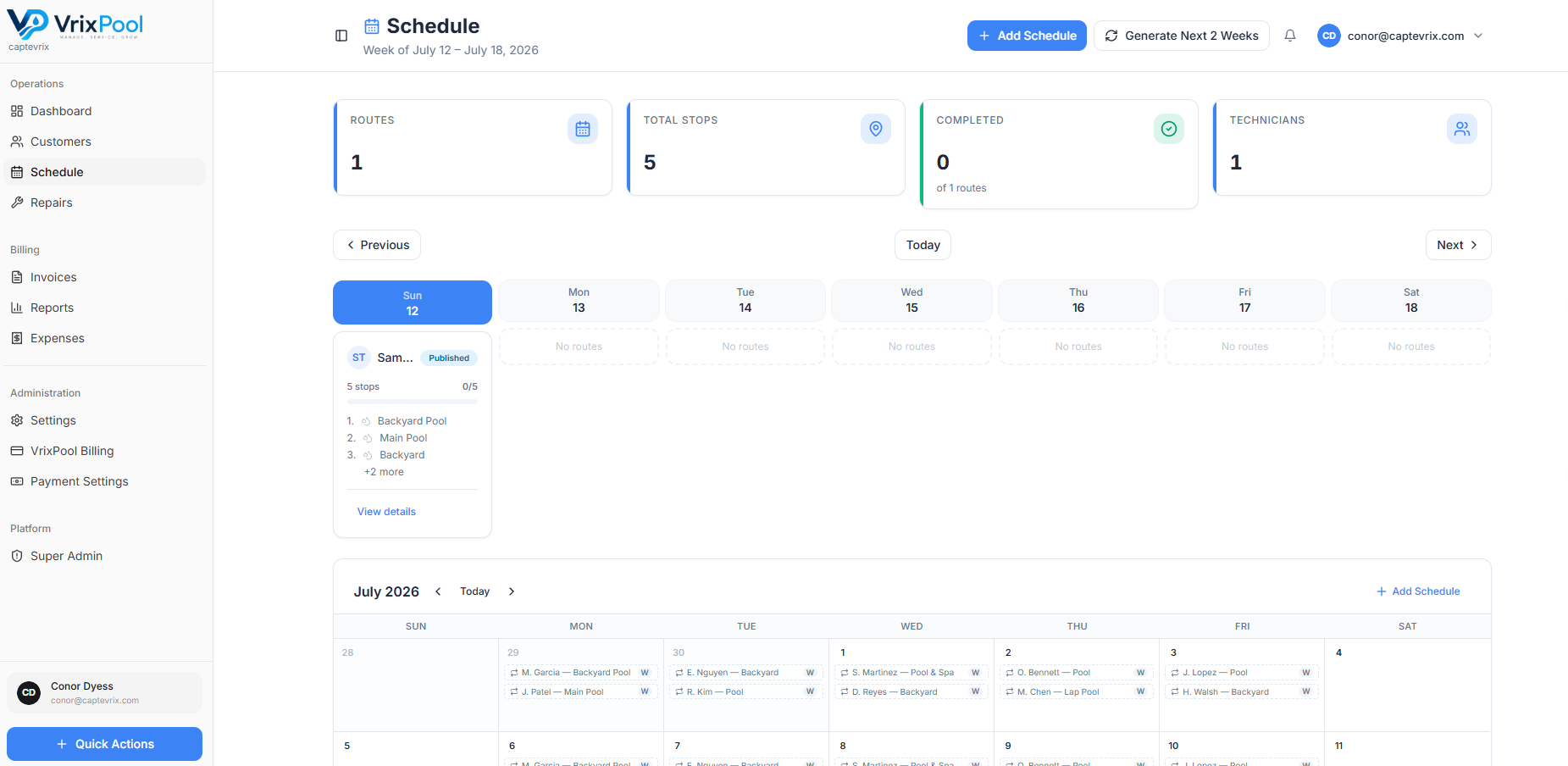
Answer 'was my pool serviced?' in seconds
Completed visits and service reports are attached to the customer, so you can answer without texting a technician mid-route.
- Visit and route status
- Service reports with readings and photos
- Notes from the field
- Invoice and payment status
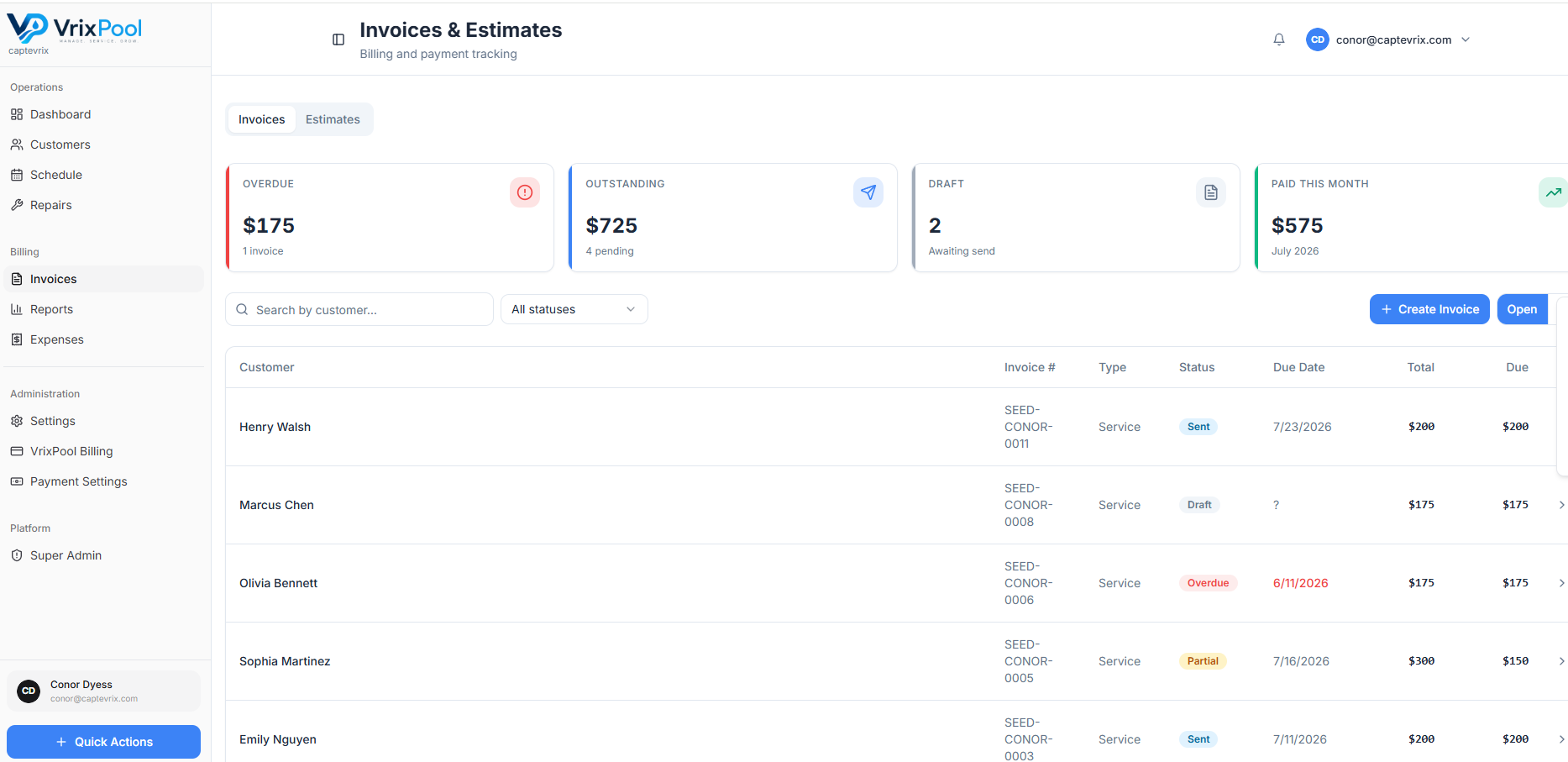
Billing day is a review, not a rebuild
Recurring draft invoices are generated for you to review and send, and repair work converts into an invoice from the same record.
Schedule changes without breaking the week
A customer moves their day, a tech calls out, an extra stop gets added. Reassign the stop in the schedule and everyone is working from the same plan instead of a corrected group text.
- Reassign stops between technicians
- Add one-off and extra stops alongside recurring work
- Route status visible as the day progresses
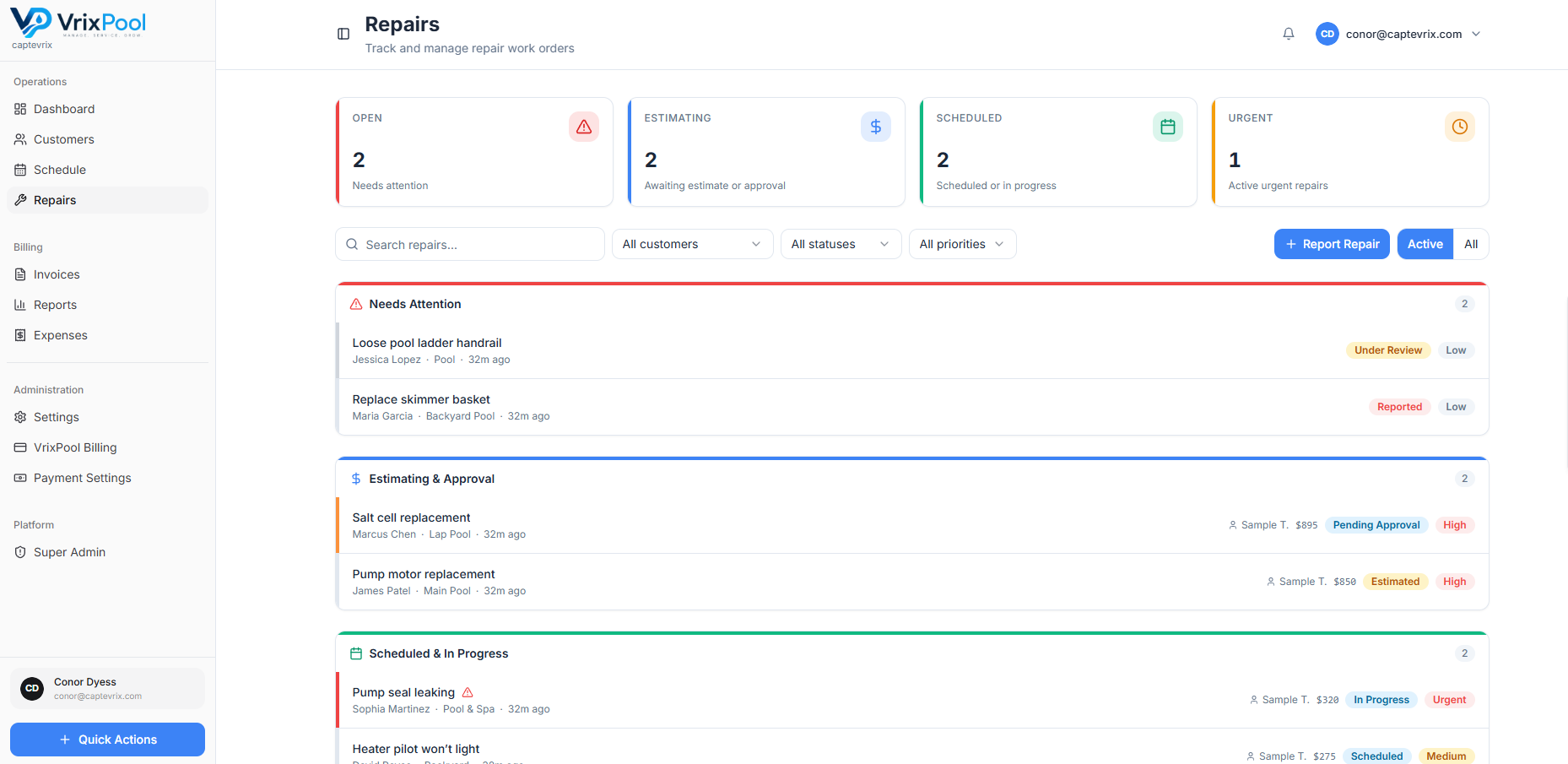
The handoff between field and office stops being verbal
When a tech logs a repair with photos, it lands on the repairs board instead of in someone's inbox. The office builds the estimate from the record the tech already created.
Questions about this area
Related parts of the platform
Start using VrixPool today
Create your account and set up your first customers and routes. VrixPool is free to use — you only pay 0.5% on eligible transactions.
Free to use. No credit card required to create an account.