
Repairs & Estimates
Turn problems into approved, scheduled, billable work.
Create repair work orders, build line-item estimates, capture customer approval, schedule the work, and convert it into an invoice.
app.vrixpool.com / repairs
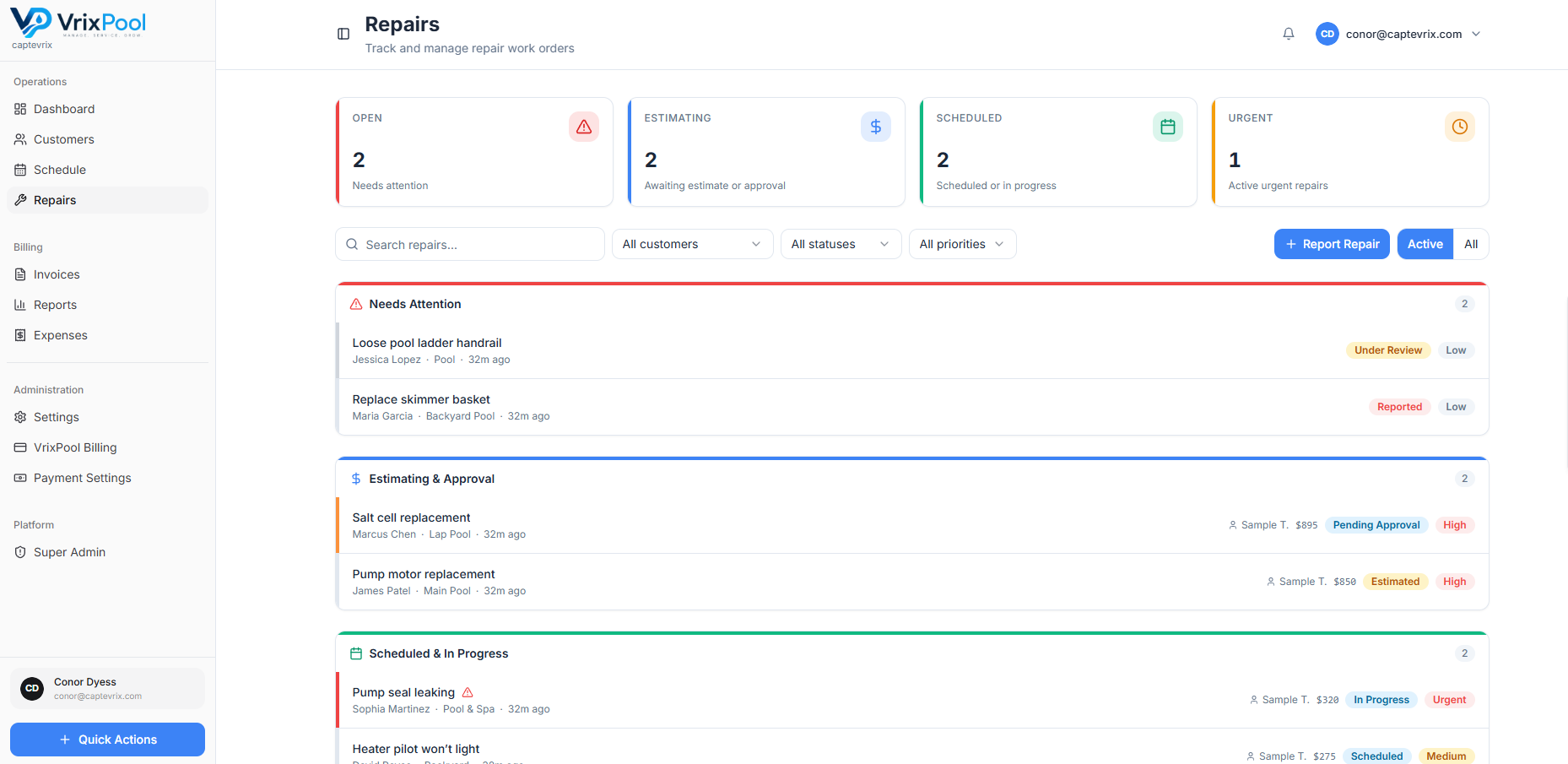
From found to fixed, without the follow-up spiral
A tech reports the issue with photos and notes. The office builds the estimate. The customer approves. The work gets scheduled and billed — all against the same record.
- Repair work orders with photos and notes
- Line-item estimates
- Customer approval captured on the record
- Scheduling and conversion into an invoice
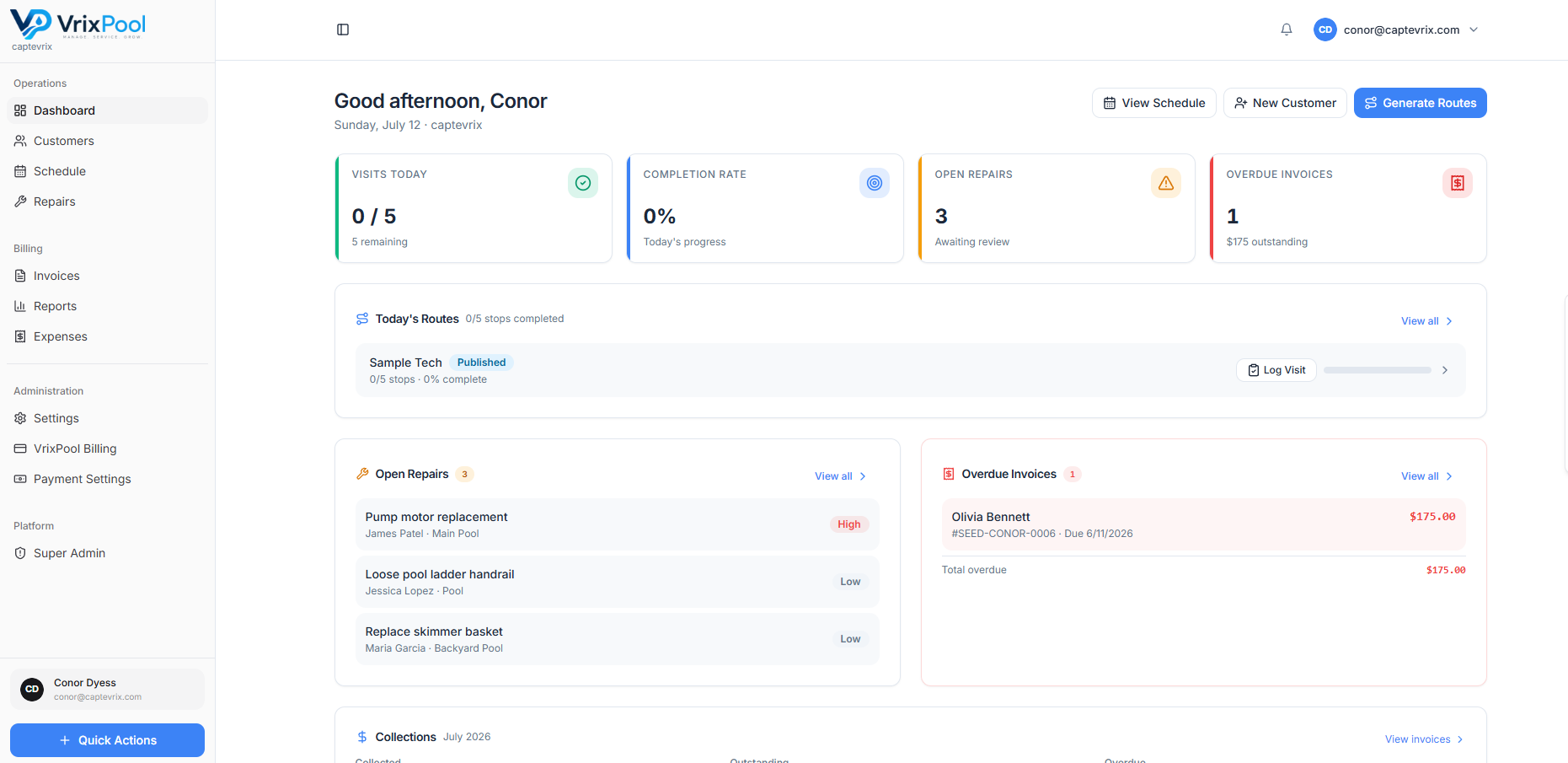
Repair revenue stops falling through the cracks
Open repairs surface on the dashboard so nothing sits forgotten in someone's text messages.
app.vrixpool.com / dashboard
Approvals you can point to later
The estimate, the approval, and the work that followed live on the same record, so a disagreement three months later is settled by looking rather than arguing.
- Line-item estimate the customer can read
- Approval captured on the repair record
- Scheduled work linked back to the approved estimate
- Invoice generated from the same line items
FAQ
Questions about this area
Explore
Related parts of the platform
Start using VrixPool today
Create your account and set up your first customers and routes. VrixPool is free to use — you only pay 0.5% on eligible transactions.
Free to use. No credit card required to create an account.