
One connected system instead of six disconnected tools.
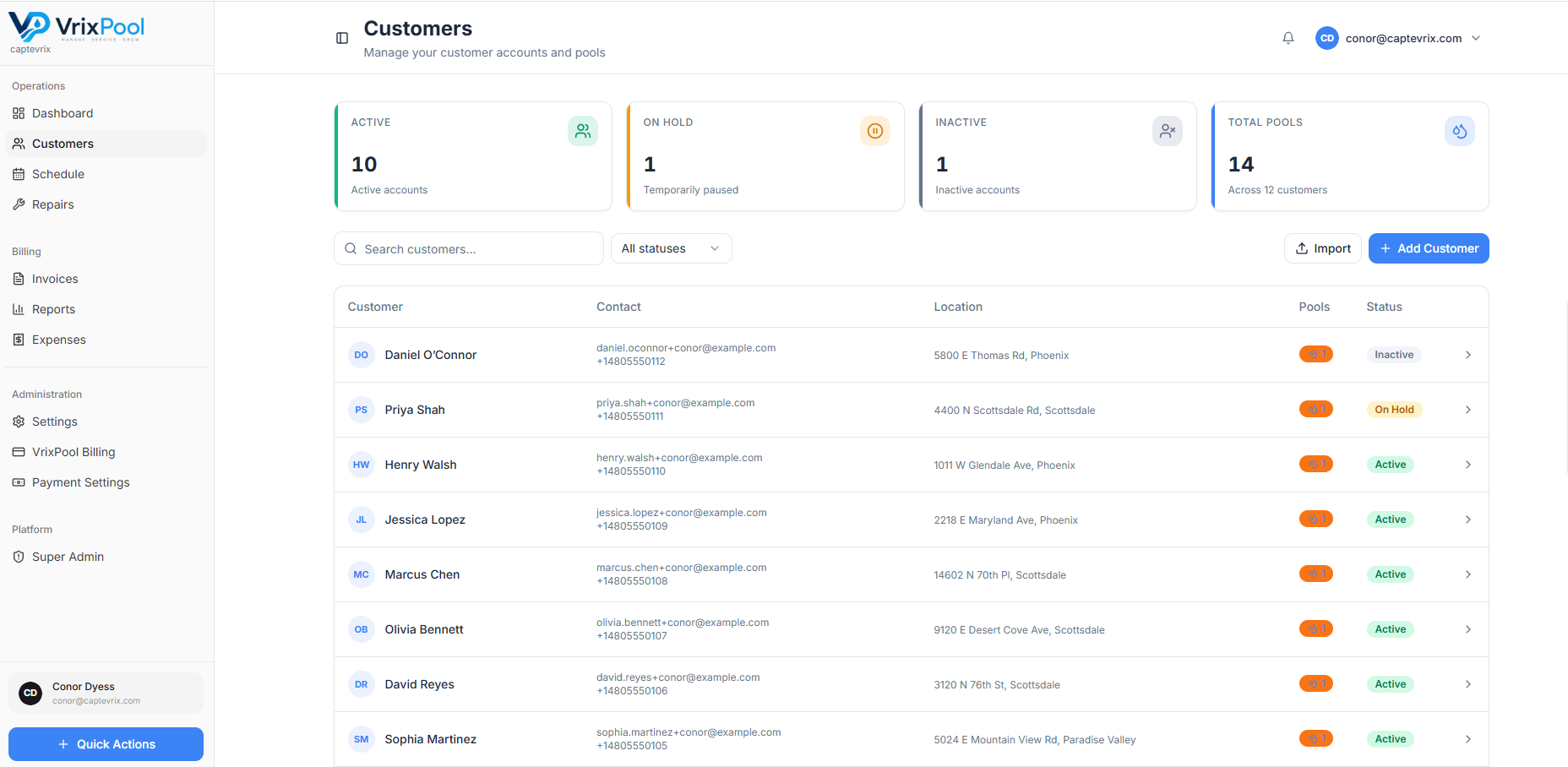
VrixPool links customers and pools to schedules, visits, repairs, invoices, payments, and reporting — so information is entered once and used everywhere.
Customer → pool → visit → invoice
Every object hangs off the customer record, which is why a completed visit can turn into a report, and an approved estimate can turn into an invoice, without anyone retyping anything.
- Customers with contacts and service addresses
- Pools and equipment attached to the site
- Visits with readings, dosages, actions, notes, and photos
- Repairs, estimates, invoices, and payments on the same record
Built for the three people who run a pool company
Owners
A single view of route progress, open repairs, overdue invoices, and reporting.
Office managers
Scheduling, customer answers, and billing tied to the same customer record.
Technicians
Assigned stops and a consistent way to record each visit.
Role-based permissions and tenant-scoped data keep each person in the right view.
The operating loop
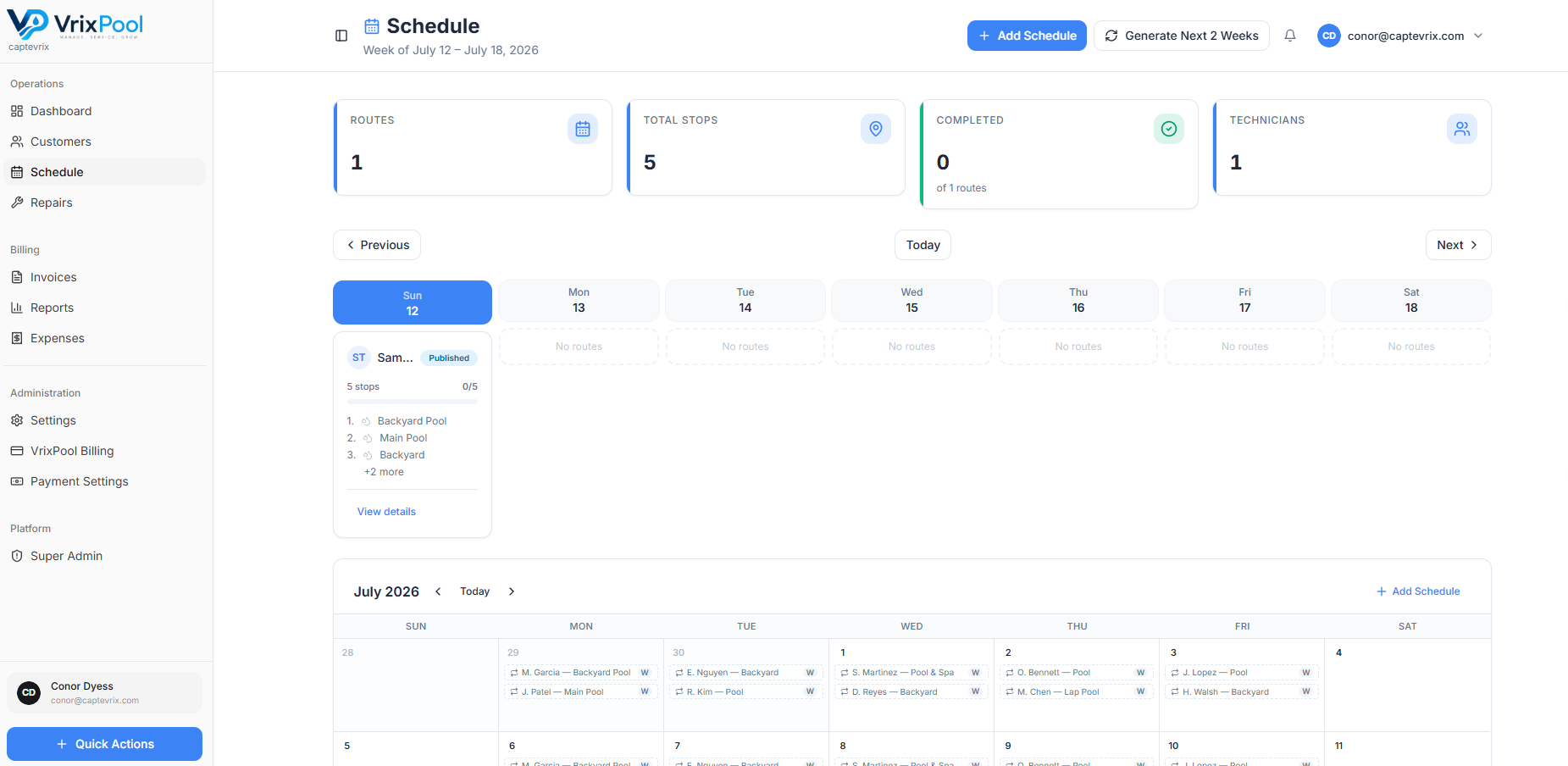
Schedule the route, service the pool, record the visit, resolve repairs, send the invoice, collect payment, review the reports. Then do it again next week — with the history already in place.
- Recurring weekly, biweekly, and monthly schedules
- Visit records that build service history automatically
- Repairs that convert into invoices
- Admin reports and expense tracking on the back end
How money moves
Verified today
- Stripe-hosted checkout links
- HighLevel payment rail support
- Manual collection and payment tracking
Placeholder
Additional integrations
Any further integrations will be listed here once they are confirmed. We do not list partners we cannot verify.
Your data, scoped to your company
VrixPool uses tenant-scoped data and role-based permissions so your records stay inside your organization and each role sees what it should.
Put your whole operation in one place
VrixPool is free to use. Create your account and start with your customers and routes.
Free to use. No credit card required to create an account.
Set up your routes
Add customers, pools, and recurring service days.
Run the week
Techs record visits; the office sees progress live.
Bill and review
Send invoices, collect payment, and check the reports.